
A calendar that fills its own gaps.
Book by provider or by room, let clients book themselves from a link, and offer every cancellation to the waitlist before it turns into an empty chair.
- Calendar by provider or by roomDay, week and month, with rooms and equipment.
- A booking link for each providerPlus a consultation link for new clients.
- Waitlist that fills cancellationsThe first to claim the offer gets the slot.
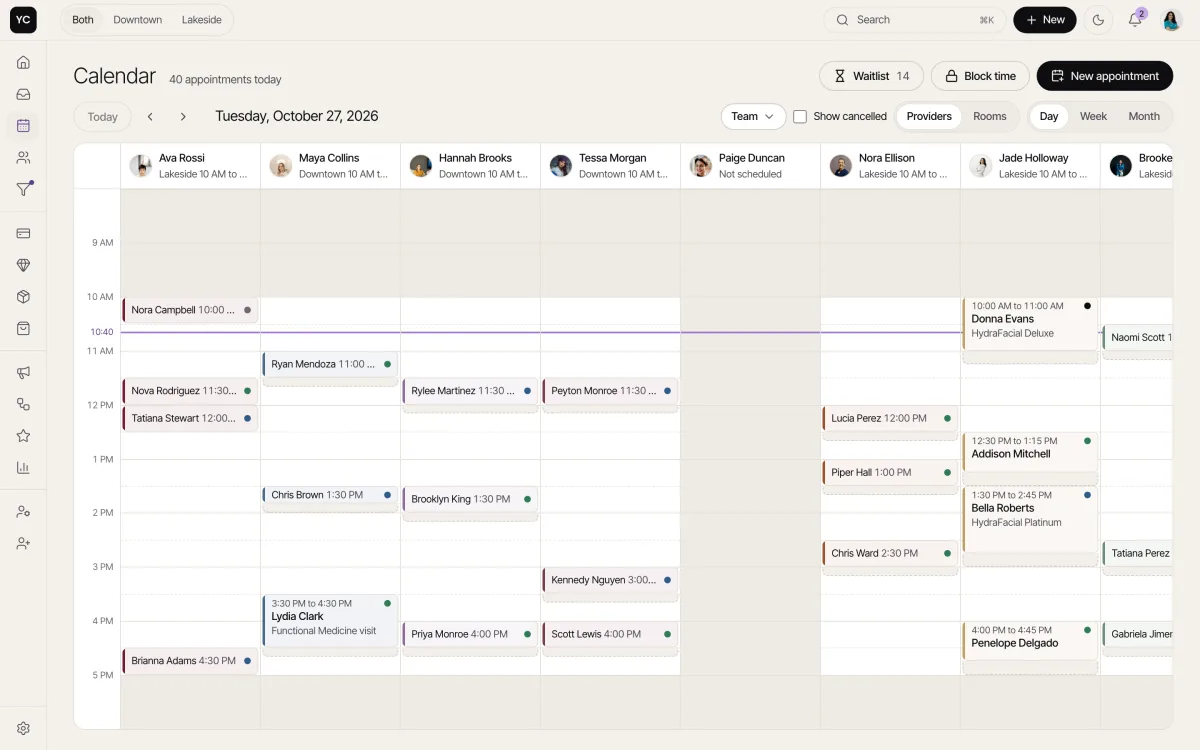
The day, by provider or by room
Day, week and month views by provider or by room and equipment, with buffers drawn on every block. Drag to move or stretch an appointment and the calendar checks for clashes.
- Rooms and equipment as their own calendar
- First available provider
- Repeat to book a whole series
Clients book themselves
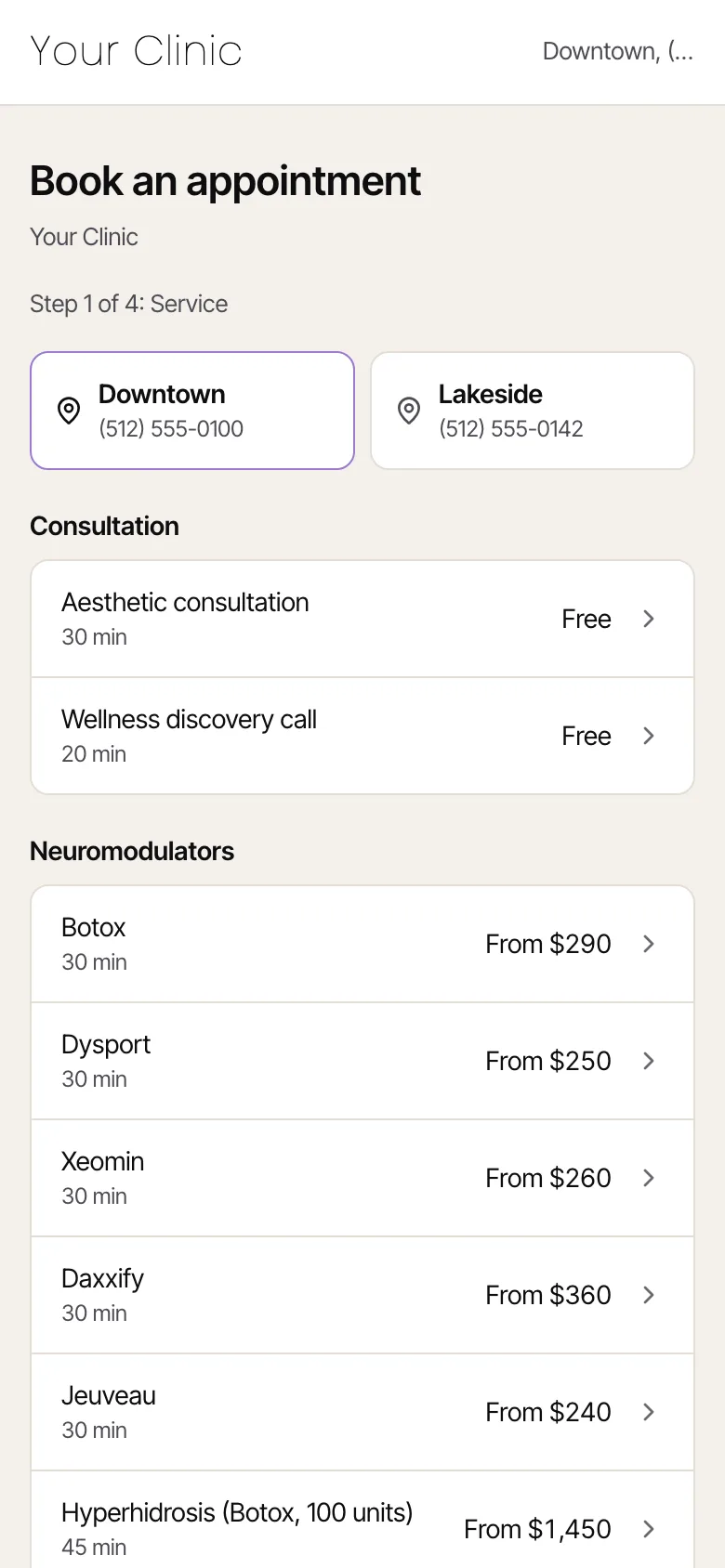
Every provider has a booking link for their bio, and new clients get a consultation link. They book on your page, in your colors, and a deposit invoice is created with the booking.
- Each provider's own link
- A consultation link for new clients
- Deposit invoice created automatically
Cancellations, filled
When a slot opens, the system matches it to who is waiting and sends the offer. The first to claim books the slot and the other offers close.
- Openings in the next 14 days matched to the waitlist
- Send offer, first to claim gets it
- Policy fee inside the cancellation window
Every conversation in one inbox
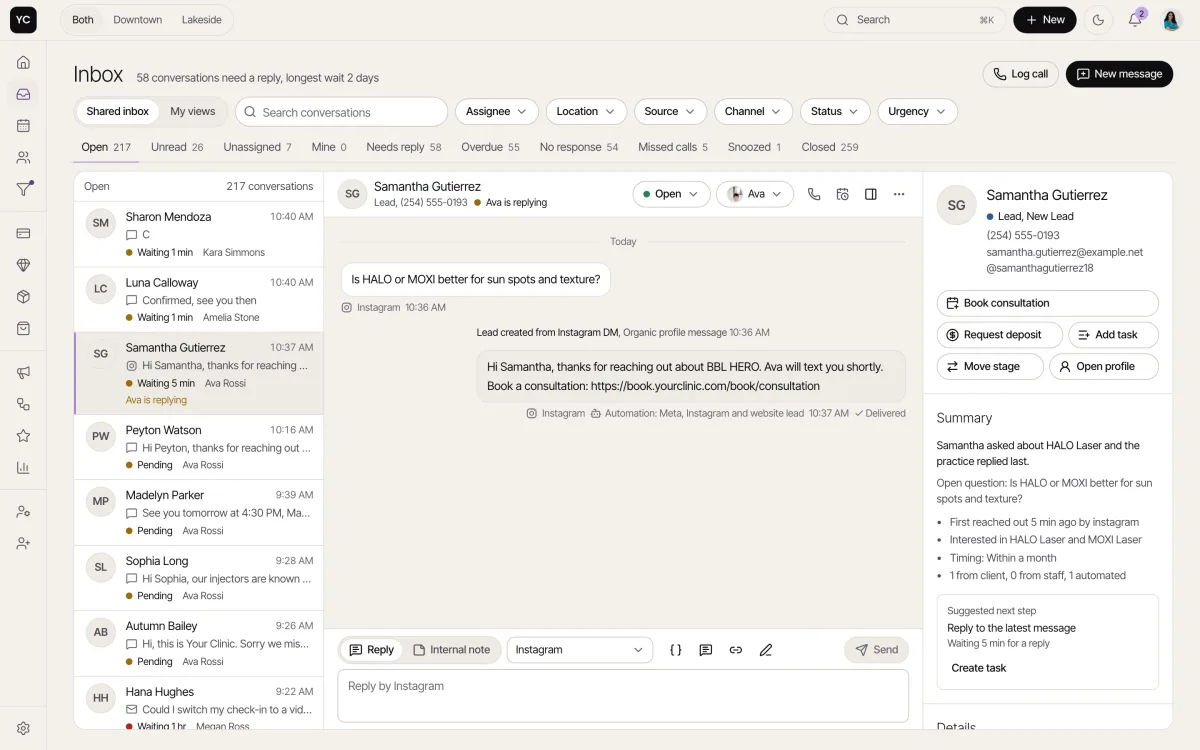
Each provider's Instagram DMs land in one inbox next to the client's history, and only that provider sees them. Queues show what is unread, unassigned or overdue.
- Each provider's own Instagram, private to them
- Human takeover pauses automations
- Internal notes with @mentions
Questions about calendar & booking.
Can each provider have their own booking link?
Yes. Every provider gets a booking link for their bio, and new clients get a separate consultation link. Clients book on your page, in your colors, and a deposit invoice is created with the booking.
How does the waitlist fill cancellations?
When a slot opens in the next 14 days, the system matches it to the people waiting and sends them the offer. The first person to claim it books the slot, and the other offers close.
Can I book by room or equipment?
Yes. The calendar shows day, week and month views by provider or by room and equipment, draws buffers on every block and checks for clashes when you drag an appointment.
See it with your clinic's name on it.
Tell us about your clinic and we'll walk you through the whole system, already in your colors.